Blog

Exploring Waterfalls with the Fujifilm X100

We recently returned from a week in the Sequoia and Kings Canyon National Parks and I've spent the last few days editing my images from the trip. During our time in the parks, I had the opportunity to photograph three waterfalls: Topoka Falls, Grizzly Falls, and Roaring River Falls. While reviewing my images of these waterfalls, I was once again reminded of just how versatile the X100 is as a travel camera. Before leaving, I picked up a step up ring so I could use my ND filters with the X100. This, combined with the built-in 3 stop ND filter gave me the ability to extend my exposures even when shooting in bright midday sun. 

The following images, which were all edited in Lightroom 4 and Silver Efex Pro 2, are some examples of the long exposure capabilities of the X100. Even though I am enjoying my new X-Pro1 (and had it with me the entire week), the fact that I can travel light with the X100 and a small tripod may make me think twice the next time I pack my gear for a trip.

Roaring River Falls - 25 seconds at f/16

Grizzly Falls - 12 seconds at f/8

Topoka Falls - 1/2 second at f/16
Rework with Silver Efex Pro

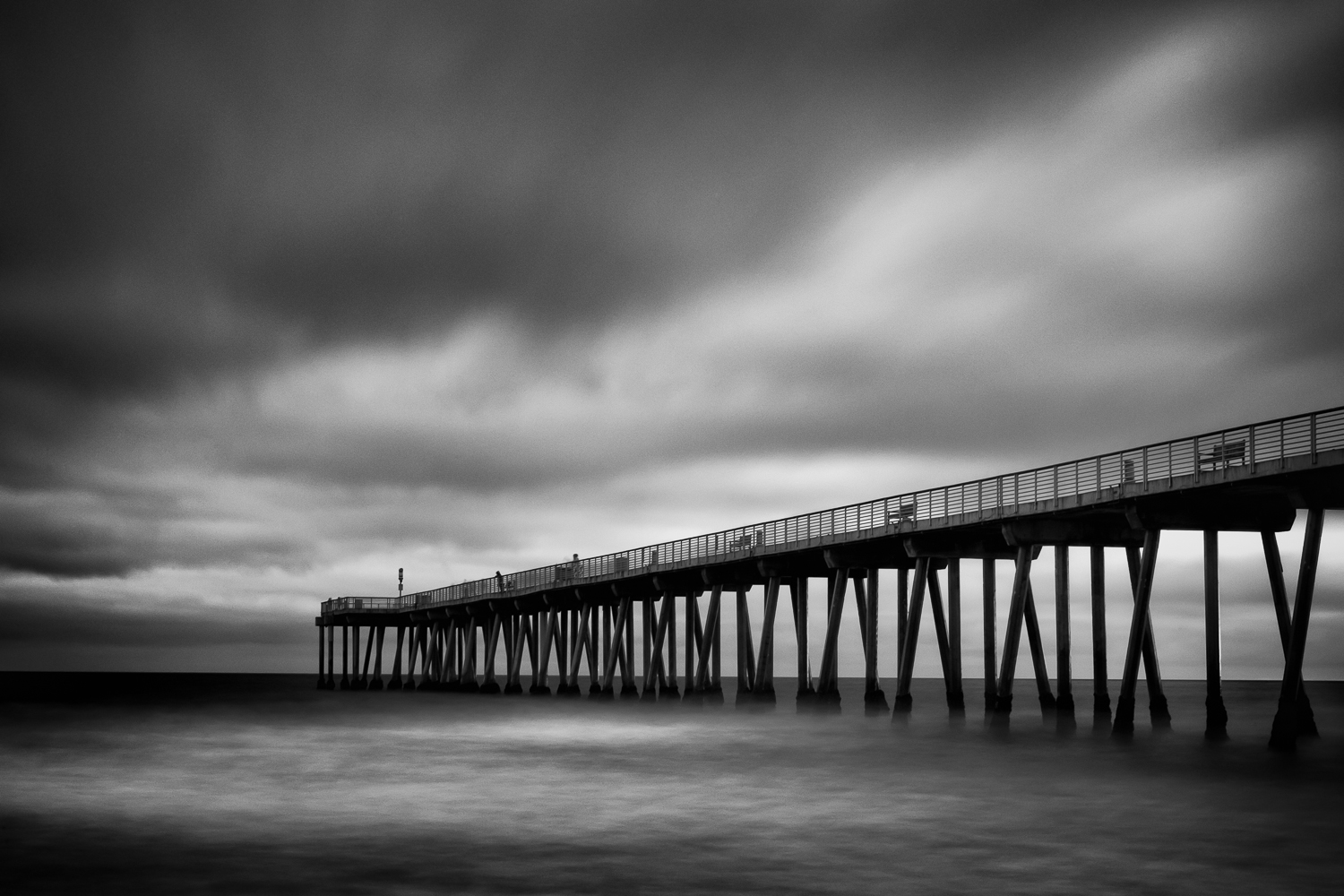
Since I didn't an opportunity to shoot this week, I spent some time reworking one of my photographs posted a couple weeks back of the Newport Pier using Silver Efex Pro 2. The original image I posted was converted and edited using Lightroom 4. Since I shot the original image in raw, I started by converting it to black and white using the Red Hi-Contrast Filter preset in Lightroom. From there, I made the normal tonal adjustments using the Basic panel and finished by applying a Graduated Filter to the top, left, and bottom of the image. I did this instead of applying a vignette because I wanted to darken the edges slightly without completely losing the blacks in the pier. 

Newport Pier original

To compare the results from Lightroom and Silver Efex Pro, I created a Virtual Copy of my original image and reset all the adjustments I made except for cropping. I then opened the image in Silver Efex Pro from Lightroom and applied the Full Contrast and Structure preset. Of all the available presets, this one seems to be my favorite so far. As you can see in the screenshot, the image quickly took on a very different look from what I created in Lightroom.

After applying the preset, I did some fine tuning using the Brightness, Contrast, and Structure sliders available in the right pane and used the Burn Edges adjustment to slightly darken the edges.

Newport Pier in Silver Efex Pro 2

Here's the final image from Silver Efex Pro. Comparing the two outputs, they're obviously very different. But that has more to do with the edits I applied and less to do with the tools I used. I've been using Lightroom for years so I have a good idea of what I can and can't do. Since I've only been using Silver Efex Pro for a couple weeks, it'll take some time to get my workflow down. Seeing and comparing the results from both tools, I can imagine lots of possibilities when using the two together and look forward to many, many more images created using this combination.

Newport Pier rework

Revisiting Silver Efex Pro

I downloaded a trial for Silver Efex Pro a few years ago and was blown away by the black and white conversions I was able to create. Up to that point, I was using Lightroom to do the conversions and was satisfied with the workflow and results. After seeing what I could do with Silver Efex Pro, I never looked at my black and white conversions done in Lightroom quite the same way. The only problem was this was back in 2010 when the plugin for Lightroom cost $199. As good as it was, I just couldn't justify spending that much on a single plugin.

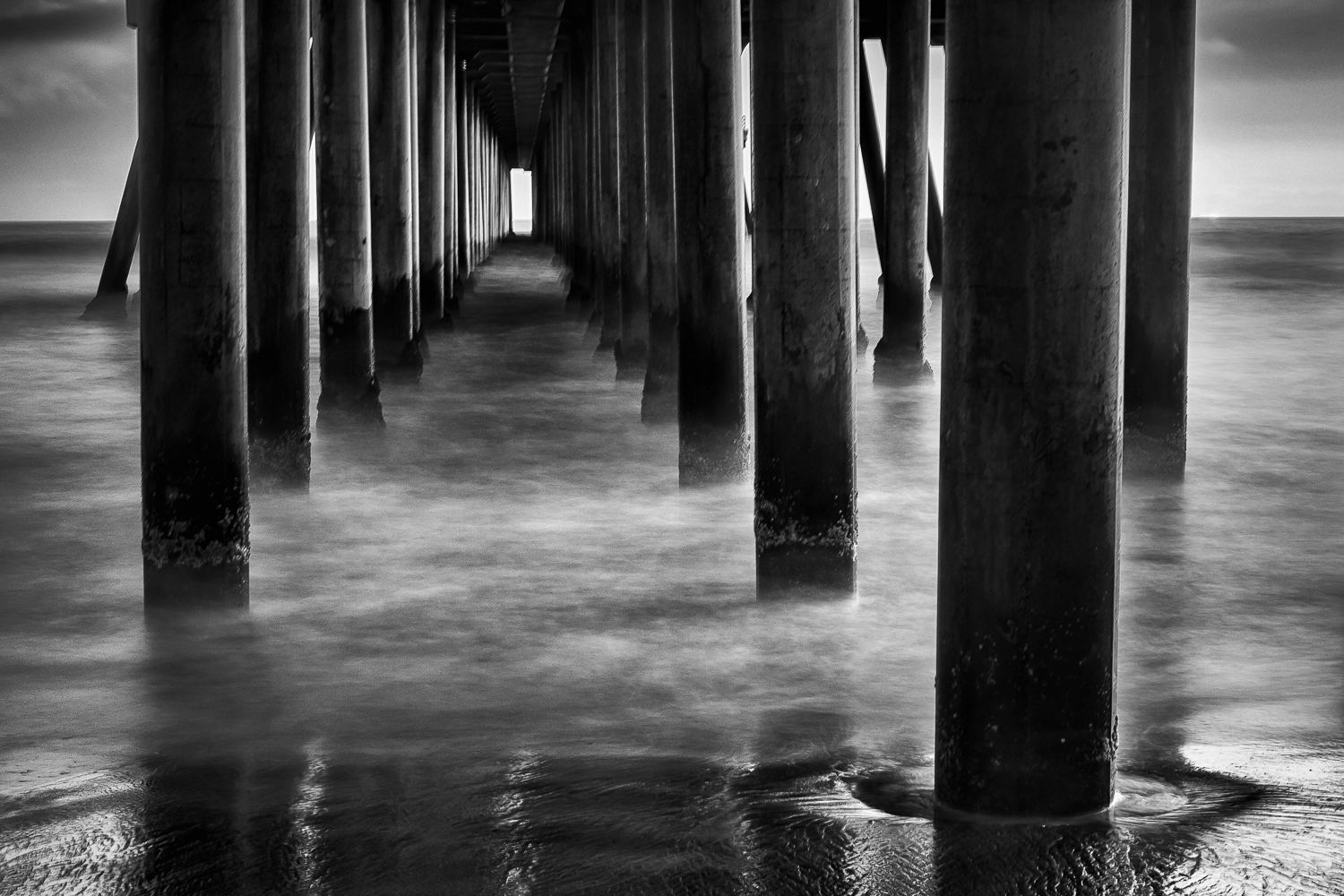
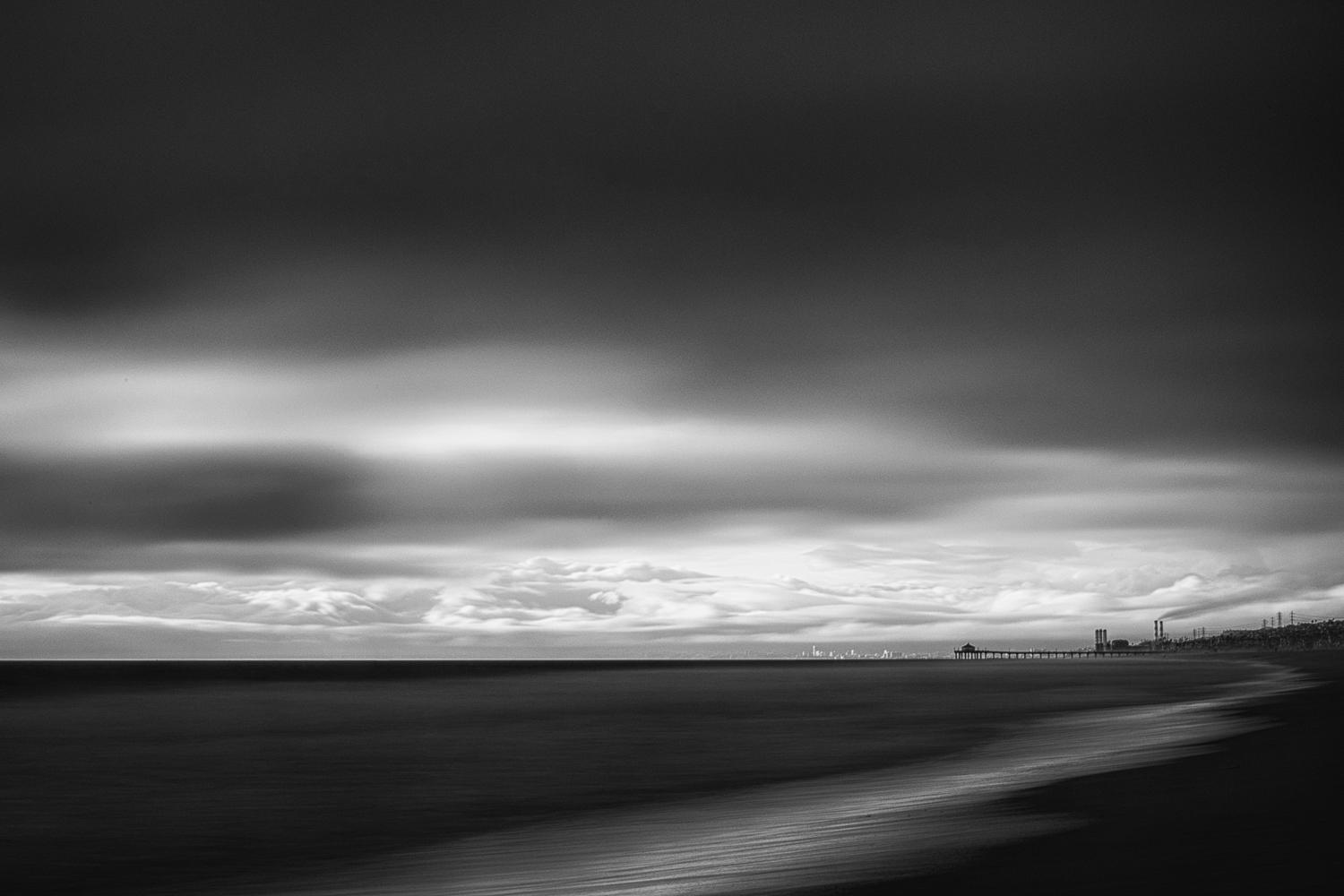
With the recent announcement that Nik Software (now a part of Google) had dropped the price of their entire collection to $149, I decided to give the latest version of Silver Efex Pro a try. Using Silver Efex Pro 2 as a Lightroom plugin is still quick and painless and the results it helps to create are still stunning. The presets provide a great starting point for the conversion and the localized adjustments make it possible to really fine tune an image. I'm only 5 days into my 15 day trial, but I've pretty much already decided that this time around, Silver Efex Pro is here to stay. Here are some of the conversions I did of my recent long exposure photographs made of various piers around Southern California.

Long Exposures at the Newport Pier

I have always been intrigued by long exposure photography and the sense of motion that can be conveyed in a photograph. I have fond memories of sitting in the Philadelphia Museum of Art trying to capture the movement of the museum's patrons with my Sony Cybershot camera. Since the camera didn't have manual mode and I wasn't yet familiar with the effects of shutter speed on an image, I simply experimented by changing the settings I could control to create photographs that showed the movement of the people around me.

Fast forward a few years to 2008. Armed with my first DSLR and a better understanding of the use of shutter speed, I visited Newport Beach to capture some of my first long exposure photographs of the Newport Pier. Since that time, I've visited the Newport Pier many times and made many photographs of this fascinating structure. I'm not really sure what it is about this particular pier, but I never seem to grow tired of photographing it.

Having recently acquired some ND (neutral density) filters for the 35mm lens of my X-Pro1, I thought it was only fitting to head down to one of my favorite places to create some long exposure photographs of the Newport Pier. Luckily, the weather cooperated and provided a beautiful backdrop for creating some of my favorite long exposure photographs to date.

A Year with the Fujifilm X100

Having lived with the Fujifilm X100 for a year, I thought I would write up my thoughts on shooting with this awesome little camera. Not so much a review, since there are plenty of those already, but more a summary of my experiences. For some, the X100 may be a second or third camera. But for me, the X100 was it up until I purchased the X-Pro1 a week ago. Has the X100 been perfect as my only camera? No, not by any stretch of the imagination. But once I got use to its quirks and annoyances (and Fuji released some much needed firmware updates), it became the camera that I wouldn't want to be without.

Shot at the Hollywood and Vine Metro station in Los Angeles.

What I Love

There are many things to love about the X100; the small size, the cool retro design, the unique hybrid viewfinder, the excellent high ISO performance, and the superb image quality. The thing I love most however, is its minimalistic feel and ease of use. Sure, the menu system is confusing, but once I programmed the Function (ND Filter) and Raw (Film Simulation) buttons, I rarely need to dive into the menu system anymore. With its dedicated controls for aperture, shutter speed, and exposure compensation, I have everything I need to compose and shoot. Since the Auto ISO feature in the X100 actually allows me to set a minimum shutter speed (unlike the X-Pro1), I don't miss having a button or dial for changing the ISO.

The other things I love about the X100 are its added features. Some, like the ND Filter and Auto ISO features, make the camera more usable and allows me to focus on creating photographs. Others, like the Motion Panorama feature, really makes the camera fun to use. Being someone that enjoys exploring and traveling the world, the ability to create stunning panoramas without using stitching software is a huge plus.

Shot on Hawaii Island using the motion panorama feature. 

What Drives Me Crazy

On the flip side, there are also some things about the X100 that drive me crazy.  Before I get to those, I'd like to address something that makes this camera unusable for many; the auto focus system. When I first got the X100, Fuji hadn't added the menu option to show the corrected auto focus frame in the optical viewfinder. This resulted in many, many mis-focused shots. But once this was fixed, I had no more complaints about the auto focus of the X100. I know this simply isn't the case for those that need a quicker auto focus system, but for me, the auto focus speed is fine. Is it the fastest auto focusing camera I've used? Nope. Would I like to be faster? Sure. But 95% of the time, it doesn't bother me at all.

With that said, there are two annoyances that I just haven't been able to get over. The first of these is the implementation of the X100's macro mode. I know there is a technical reason why I have to switch over to macro mode whenever my subject is too close for normal focusing. But the fact that I have to press the macro button and then enable close-up shooting drives me crazy. Why couldn't Fuji have made the macro button just an on/off toggle. It wouldn't even be so bad if I had to turn on macro mode for actually shooting macros. But having to do so for making a portrait of someone across the table just plain sucks. 

Shot at the Huntington Library using the annoying, but useful macro mode.

The other thing that annoys me is that I can put the battery in the wrong way and still shut the battery compartment. I read about this before I bought the X100 and dismissed it as something that wouldn't bother me. But after a year, I still find myself putting the battery in the wrong way and wondering why the camera doesn't start up with I power it on. I'm glad that Fuji decided to fix this for the X100S because it really is something that can ruin the user experience of an otherwise great camera. 

Final Thoughts

In many ways, the X100 reminds me of my orignal iPhone. Like the orignal iPhone, the X100 is beautifully designed but far from perfect. But also like the original iPhone, the X100 has gotten incrementally better from firmware updates and obtained a loyal following of users that will likely stick with Fuji for their photographic needs. 

I even see similarities between Apple's approach to the smartphone market and Fuji's approach to the camera market. Much like Apple, Fuji decided to take a different approach with the X100. They didn't copy what other camera manufactures were doing with their DSLR or micro four thirds offerings. Instead, they took a chance and put a big sensor and fast prime lens on a compact camera and created something revolutionary. Is the X100 perfect for everyone? No, it's not even the right camera for most people. But for those that the X100 fills a need, it is the perfect photographic companion, regardless of what other cameras are available in ones camera bag.

Shot from Victoria Peak in Hong Kong.