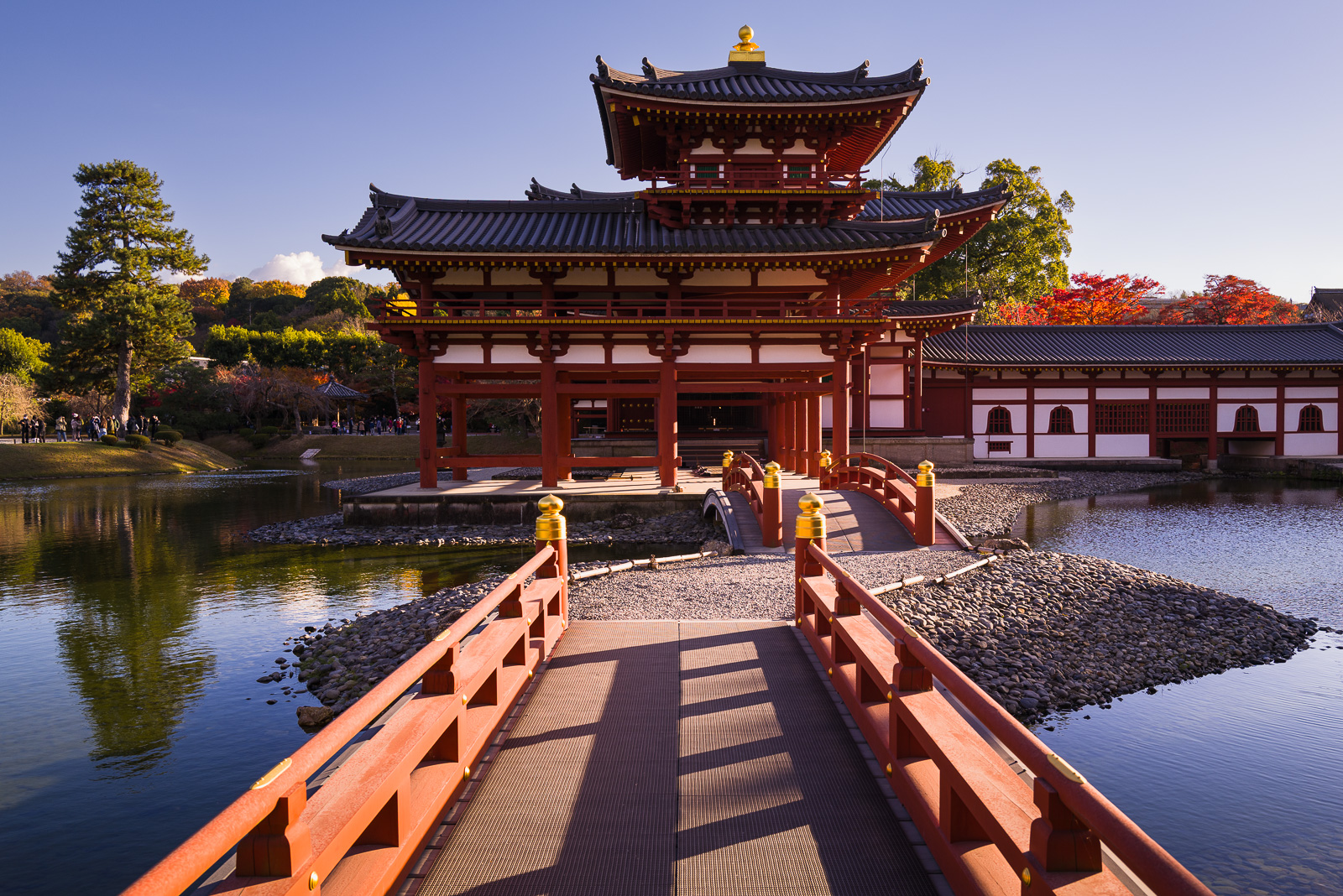
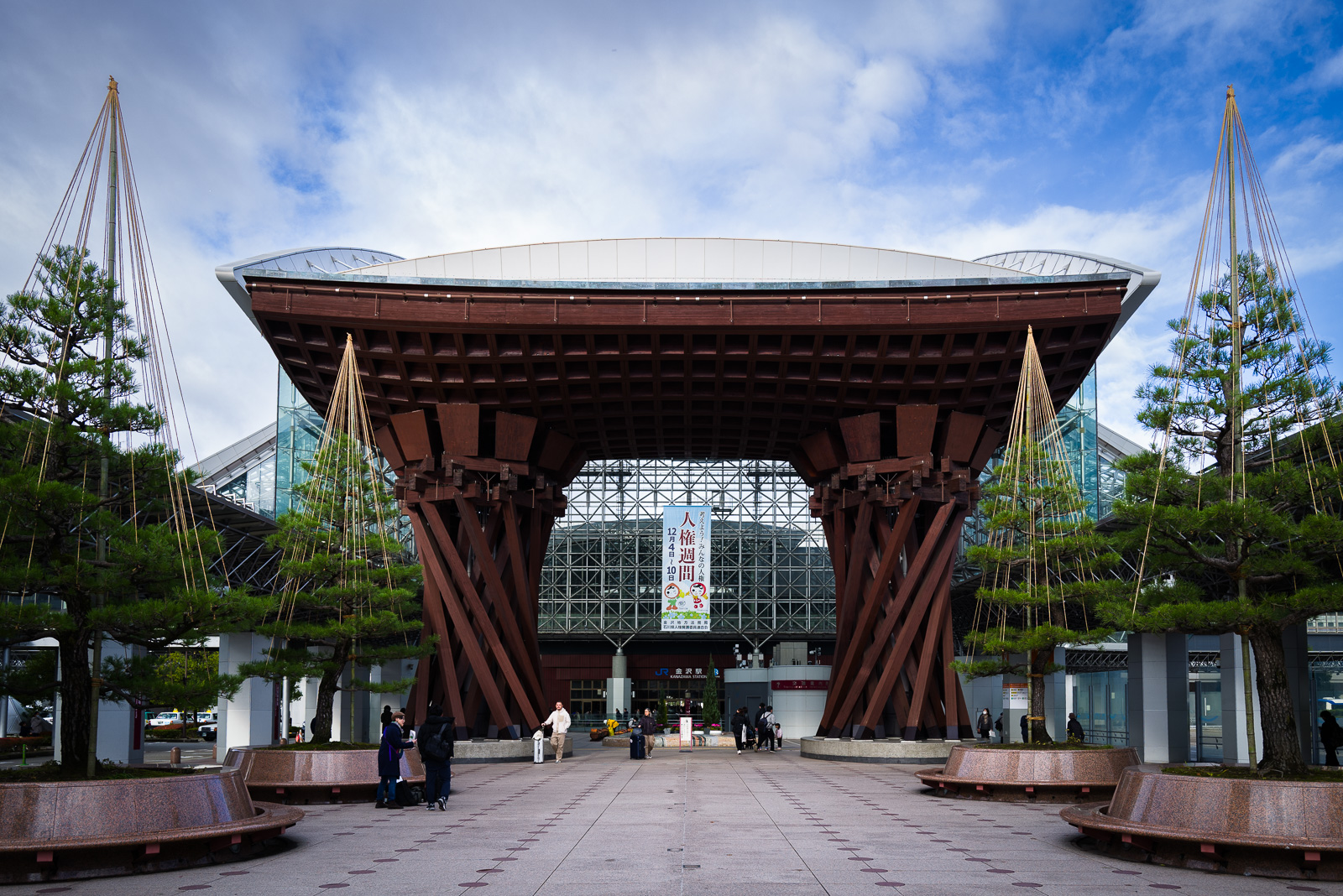
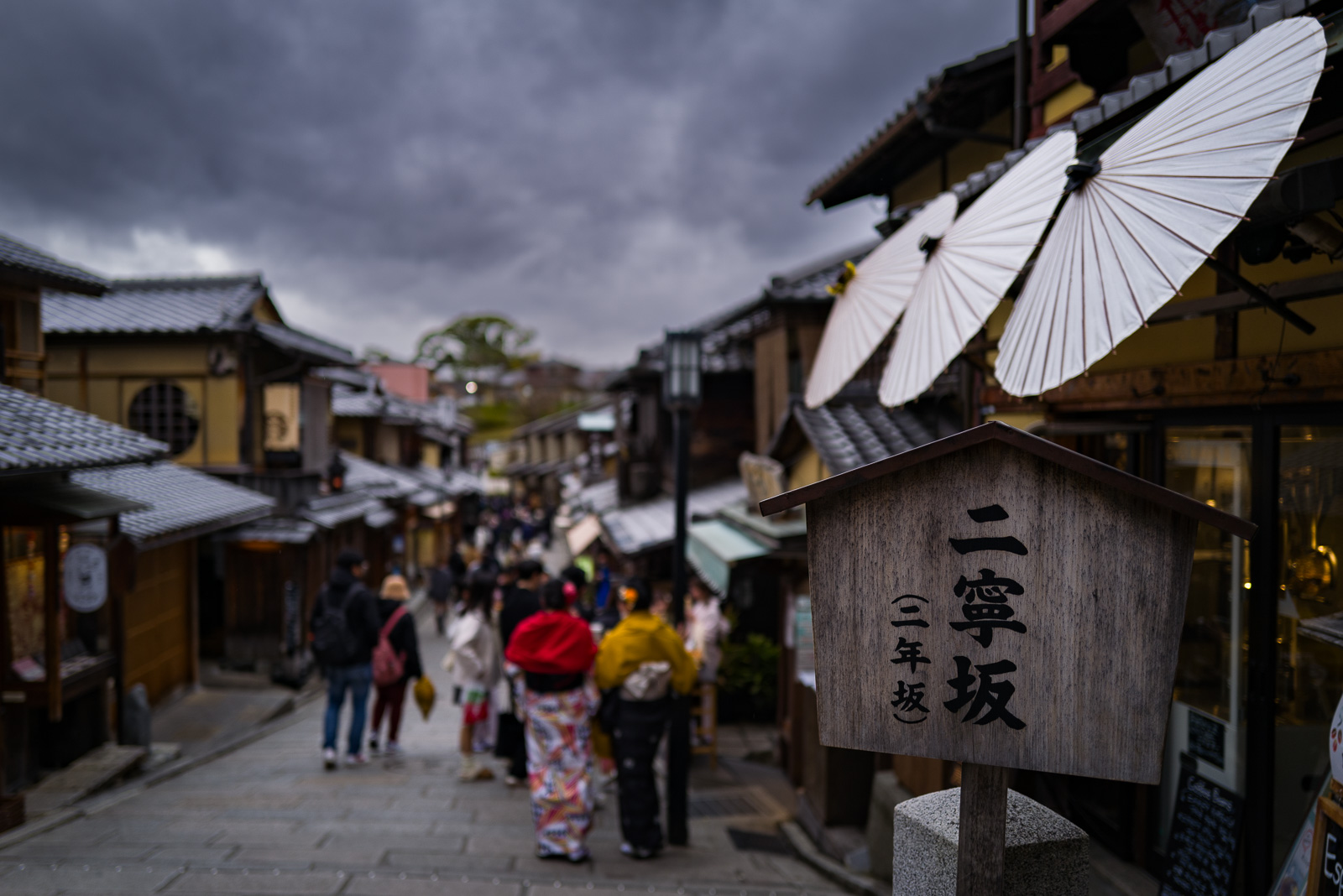
It’s been six months since I purchased the X-Pro1. During that time, it has been with me to San Diego, the Sequoia and Kings Canyon National Parks, San Francisco, the Oregon Coast, and numerous beaches throughout Southern California. It has handled the windy, sandy, and wet conditions I photograph in and even survived (thus far) a three foot drop that landed it in a puddle of water at Cape Perpetua. (Unfortunately, my XF 14mm lens didn’t fare so well.) Having put the X-Pro1 through its paces, I figured this was a good time to share my thoughts on using it for landscape photography.
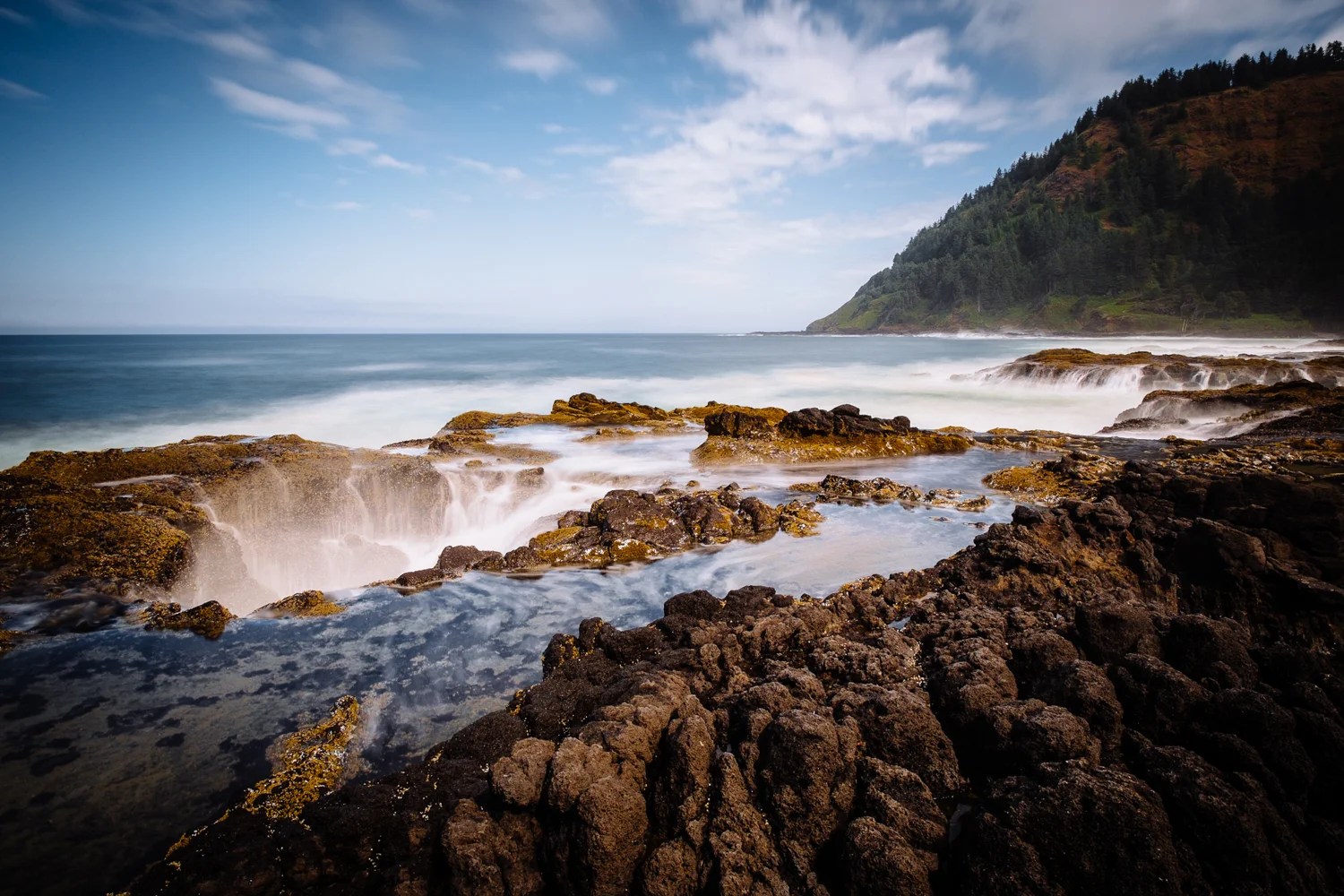
 Thor's Well - Cape Perpetua, Oregon Coast. One of my last shots with the X-Pro1 and XF 14mm. 
Thor’s Well – Cape Perpetua, Oregon Coast. One of my last shots with the X-Pro1 and XF 14mm. 

What’s Great for Landscape Photography

There are plenty of things that are great about the X-Pro1; its X-Trans sensor that produces excellent images, its growing lineup of lenses that mostly seem to be exceptionally sharp, and its magnesium alloy body that makes it more rugged than one might expect (this one I can personally vouch for). But beyond these, there are two seemingly minor things that I really like about the X-Pro1 for landscape photography. Its manual controls and its large LCD display.

As I mentioned previously when writing about the X100, one of my favorite things about the X Series cameras is the manual controls for aperture, shutter speed, and exposure compensation. Having the ability to set these without looking into the viewfinder or checking the LCD really improves the usability of the camera. Instead of having to manipulate a series of buttons and dials on the back of my old DSLR, the X-Pro1 lets me easily adjust my aperture and shutter speed independently and to see my settings before turning it on. I know this might sound like a trivial thing, but when I have the X-Pro1 set low on a tripod, being able to easily check my settings makes a world of difference.

Another thing that I really like about the X-Pro1 when shooting landscapes is the 3-inch LCD display. I’ll admit, this didn’t figure much into my decision to purchase the X-Pro1 since I mainly used the hybrid viewfinder with my X100. But now that I’ve used the bright and crisp LCD extensively for composing images, I prefer it to the viewfinder most of the time when I’m shooting on a tripod. It’s true that there are some situations where the viewfinder is a better way to go, say in bright sunlight, but this is rarely the case for me since I’m usually shooting at dusk and dawn.
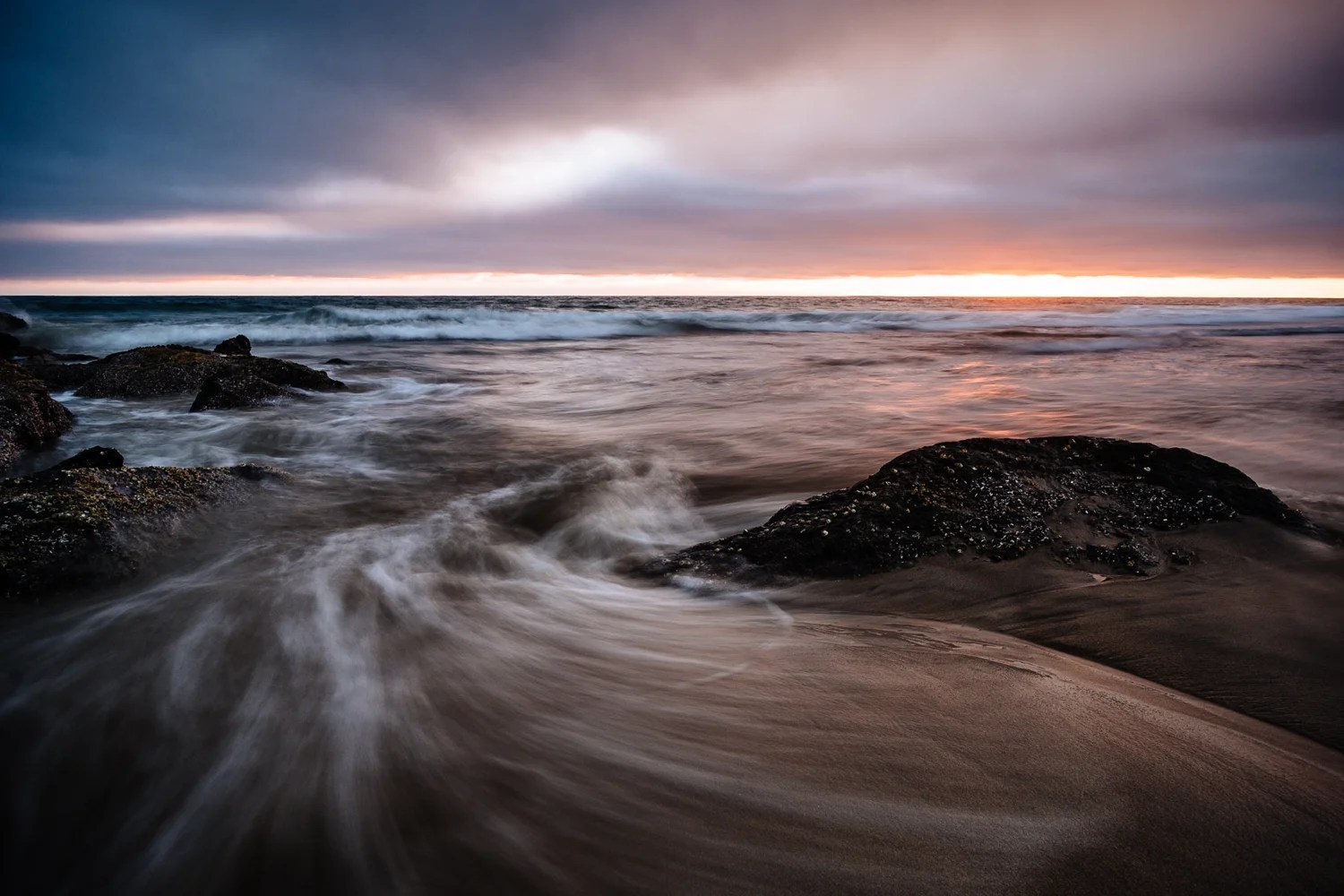
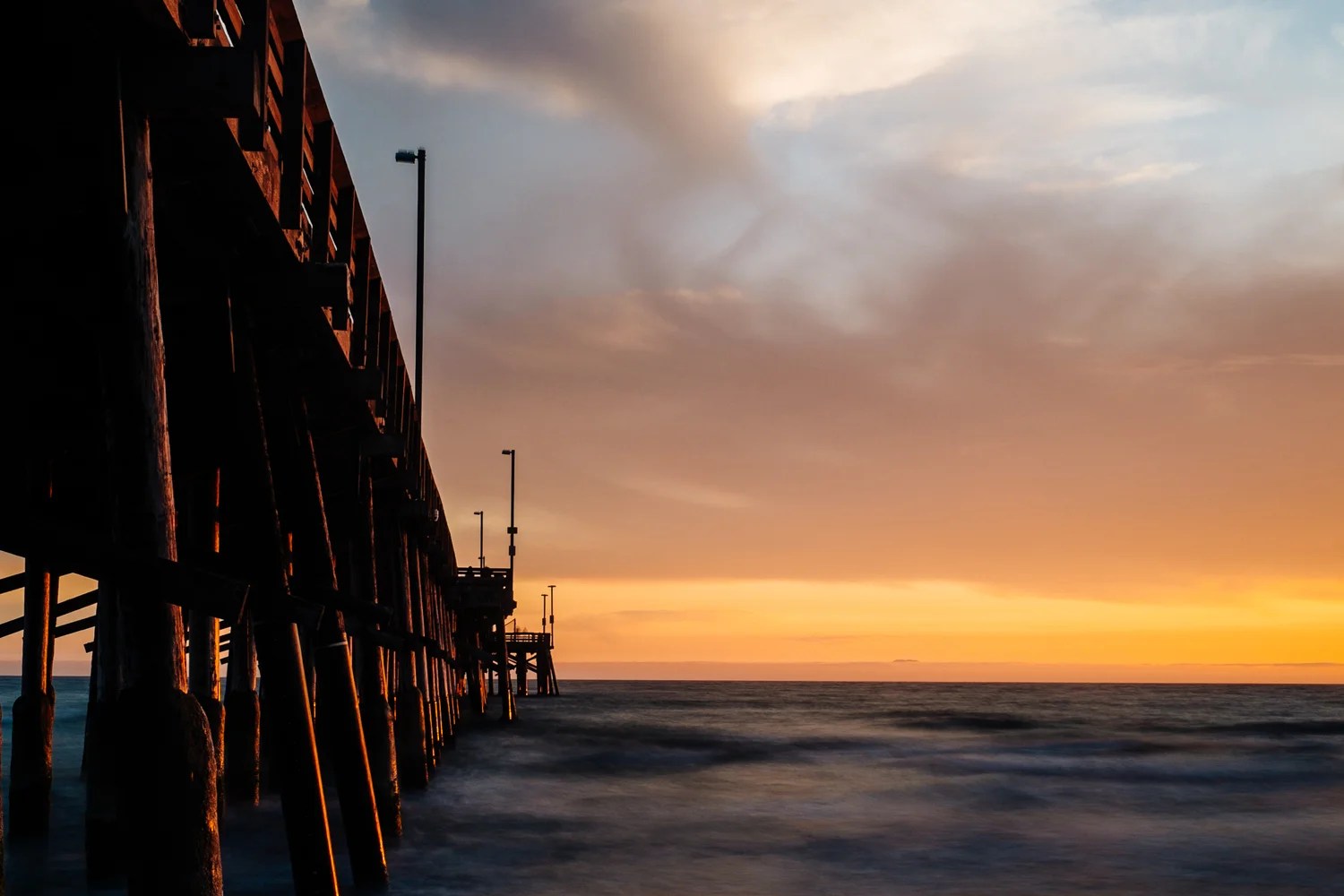
 Newport Beach Sunset. Shot from a low perspective on a tripod using the LCD display. 
Newport Beach Sunset. Shot from a low perspective on a tripod using the LCD display. 

What’s Not So Great

So what about the bad? While the X-Pro1 certainly isn’t perfect, there aren’t many things that I would say is really bad. For instance, with all of Fuji’s firmware updates, the focusing is now much improved and isn’t a problem for me. I’m not too crazy that I can’t use the optical viewfinder for exact framing of my images, but I also knew going in that this was never what the OVF was intended for. Besides, I can easily switch over to the electronic viewfinder when I need exact framing. 

There is one thing about the X-Pro1 however, that I really, really don’t like. The location of the tripod mount. For some reason, Fuji decided that it’s unnecessary to access the battery or memory card when a tripod plate is mounted onto the camera. As someone that uses a tripod often, having to remove the tripod plate every time I want to charge the battery or download my images is extremely annoying. For a company that did so many things right in the usability department with the X Series cameras, an oversight like this is quite surprising. 

Final Thoughts

The short version  – I really like using the X-Pro1 for landscape photography. I still prefer the X100 as a camera to always have with me, but the X-Pro1 along with the XF 14mm make a wonderful pair for my style of photography.

The slightly longer version  – I am as happy with the X-Pro1 for shooting landscapes as I ever was with my old Canon 40D. The X-Pro1 and XF 14mm lens is my favorite combination for the subjects I like to capture. The manual controls and LCD work great for me when I’m working on a tripod, especially when I’m shooting long exposures.  

On the flip side, even though the X-Pro1 and XF 14mm combined weight less than the Canon 40D, they are still by no means light. Since I usually take either the XF 18-55mm or XF 35mm along, I end up with a kit that is still heavier than something I want to carry all day. I’ve considered getting an X-E1 either as a backup or replacement to the X-Pro1, but I would really hate to lose the 3-inch LCD. I know that I’m splitting hairs here since what one considers heavy is all relative, but it might be something to consider for anyone that shoots landscapes and wants to move to the X-Pro1 as a replacement for a DSLR.

With that, I’ll leave you with a few more images made with the X-Pro1 over the past six months. 
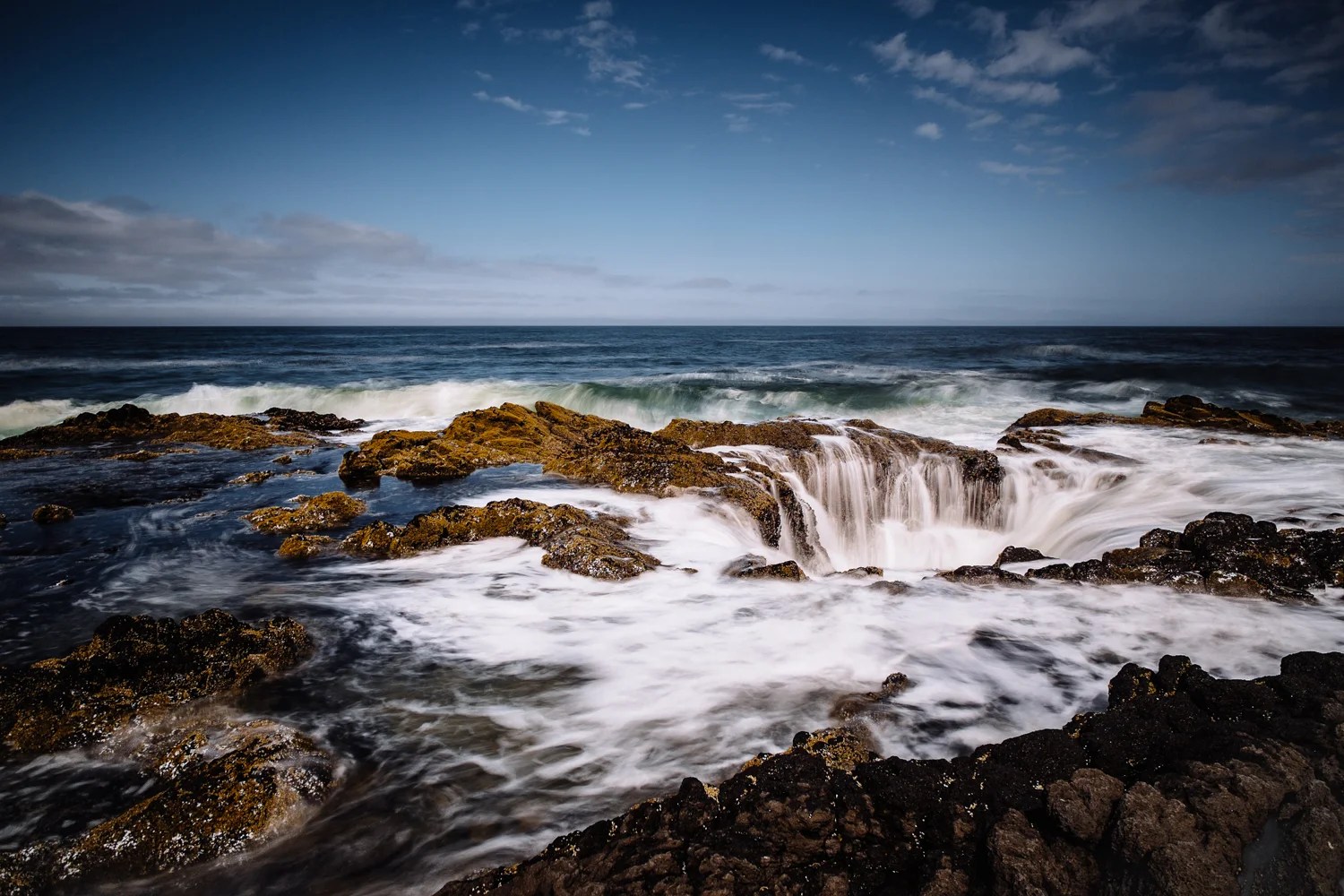
 Another image of Thor's Well, X-Pro1 and XF 14mm.
Another image of Thor’s Well, X-Pro1 and XF 14mm.
 Newport Beach Pier, X-Pro1 and XF 35mm.
Newport Beach Pier, X-Pro1 and XF 35mm.
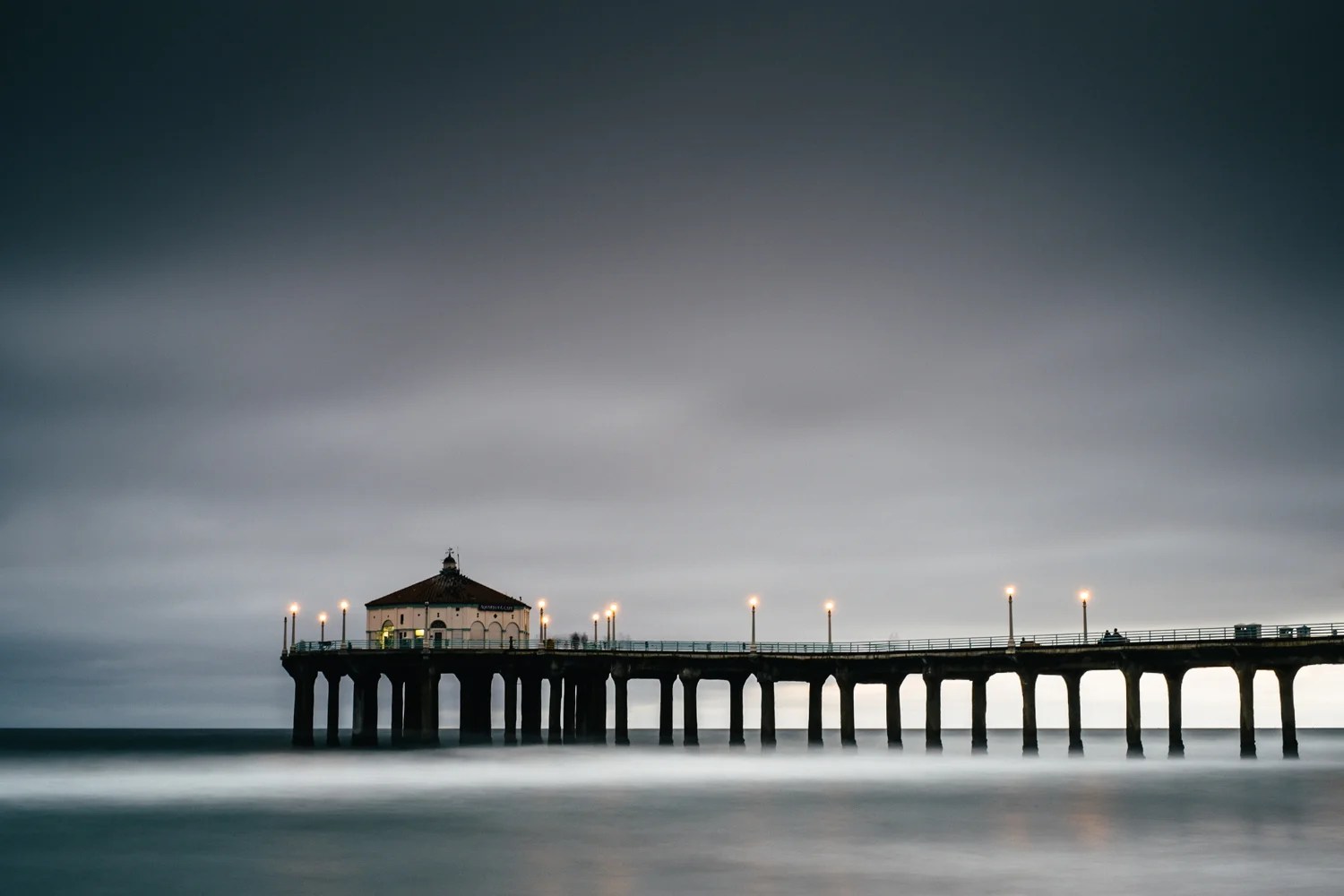
 Manhattan Beach Pier, X-Pro1 and XF 35mm. 
Manhattan Beach Pier, X-Pro1 and XF 35mm. 
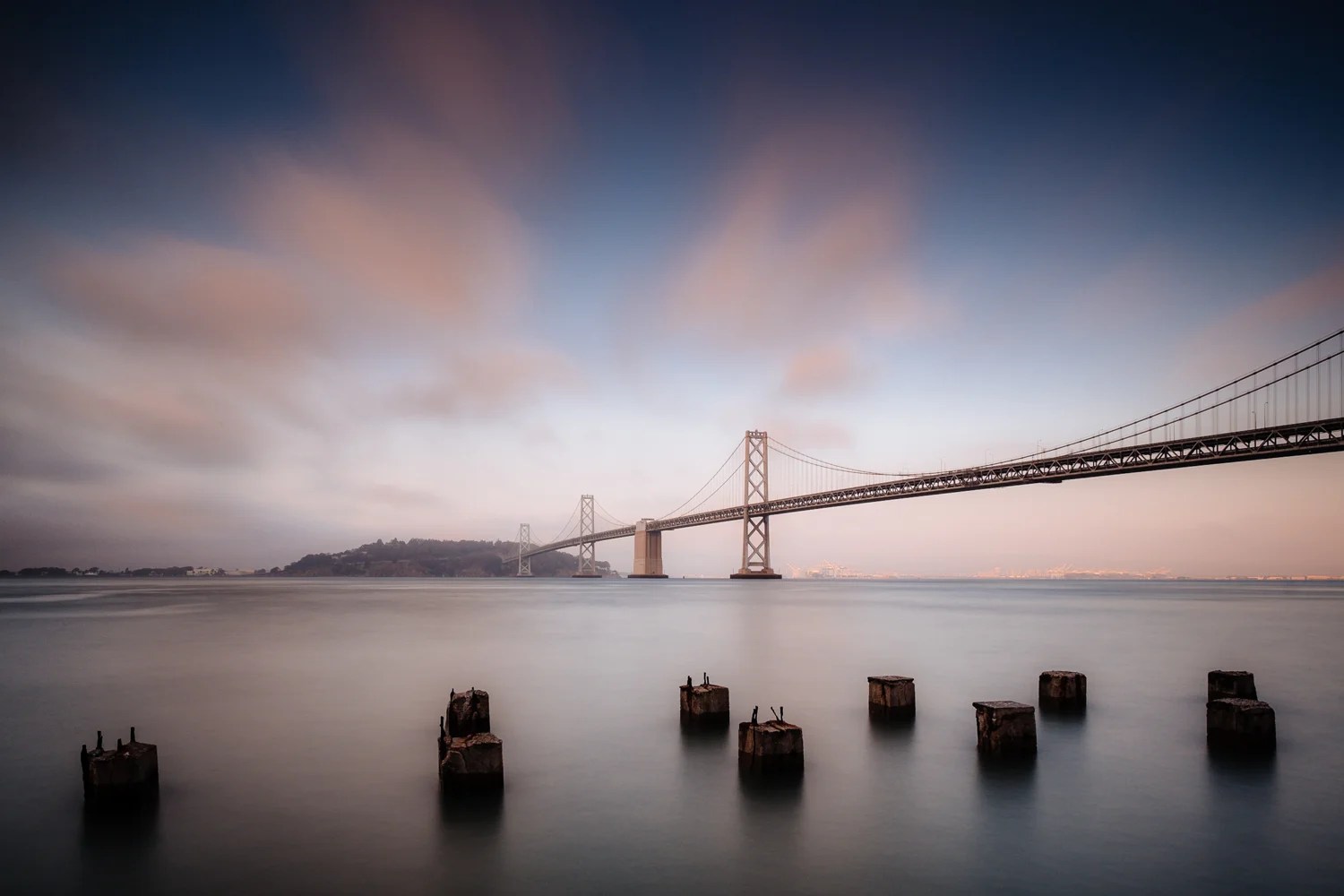
 Bay Bridge, X-Pro1 and XF 14mm.
Bay Bridge, X-Pro1 and XF 14mm.

13 responses to “The Fujifilm X-Pro1 for Landscape Photography”

  1. philip sutton Avatar

    Unfortunately, this is one of the rare occasions I have to agree with K/R. Fuji’s colours are great for skin tones and people colours (I have X100 and X-E1), but anything to do with landscape photography or nature etc – these cameras are not for that. No matter what I do on L/R, I can’t get anywhere near what the D700 can do effortlessly with the same shot.

    My Fuji’s are much better for nailing the white balance every time, and exposure (much better than the D700), but I am afraid that Nikon have the magic sauce for nailing landscape colours.

    Fortunately, I don’t photograph landscapes or nature, all of my photography is people oriented – so hence my love for the low camera weight (travel), and skin tones from Fuji.

    Anyway, after having said all of that, I think your photos are beautiful – well done!

    Suttophilipsuttonphotography.com

    1. Stephen Ip Avatar
      Stephen Ip

      Thanks Philip for your comment and feedback. Unfortunately, I don’t have any experience shooting with Nikons so I really can’t make any direct comparisons. When I did use a DSLR, it was a Canon. Perhaps you’re right about the Nikon colors, but I must say I’m pretty happy with the colors my Fuji cameras produce. Whether it’s an out of camera JPEG or a RAW file I take into Lightroom, I have never been disappointed with my results.

    2. Fabio Amodeo Avatar
      Fabio Amodeo

      Dear Mr Sutton,may I suggest that theproblem with landscape colors is given by the converter, not by Fuji. If you look at jpegs, you will see that the greens (a fundamental color in landscape) is richer and subtler than any other camera: II know: foliage from Nikon and Canon looks metallic and with loss of hues in comparison (not suprising: the same happened in film times, with Provia vs Ektachrome). Now LR, even after calibration, is incapable of rendering those hues. C1 does better, but introduces a tendency of early autumn in summer landscapes: in other words there is a tendency to put too much red-brown in the leaves. C1 is great for skies, though: its highlight recovery eengine is wonderful. I found the best result from Iridient, which is comparable to Fuji jpegs. Now if only those kind people in Fuji would let us create 16 bit TIFFs in camera, with their wonderfull engine, every problem would be solved.As far as the tripod socket is concerned, II agree that RRS L bracket is the right solution. I put it on after a few weeks of use of the camera, and never took it off. The fact of passing from landscape to portait without fiddling with the tripod head, or even moving it, is invaluable.Fabio

  2. Johannes Avatar

    Hi Stephen,

    I’ve stumped upon your article and I agree with Philip – you’ve made some beautiful images. I especially like the Manhattan Beach Pier, simple, clean and relaxing.

    Cheers Johannes

    1. Stephen Ip Avatar
      Stephen Ip

      Thank you so much Johannes for the feedback! The Manhattan Beach Pier image is one of my favorites as well.

  3. William Miller Avatar
    William Miller

    http://reallyrightstuff.com/Items.aspx?code=BodyFujiXPro1&key=cat

    Relieves your tripod mount frustrations perfectly.

  4. Michael Shea Avatar
    Michael Shea

    Superb collection of landscapes and proof positive that this is a wonderful camera/lens combination. Many congratulations!

  5. Merle Becker Avatar
    Merle Becker

    Out of curiosity what type of tripod do you utilize with the X Pro 1. I have shifted to mirrorless with this camera and am learning / loving it more and more. For the same reason I shifted to this vs my wonderful Nikon cameras in need to change from my yrs. old Bogen (325) I believe. any suggestions appreciated and thanks for the great review and photos.

    Merle BeckerFranklin, TNm.k.becker@comcast.net

    1. Stephen Ip Avatar
      Stephen Ip

      Hello Merle,

      I currently use the three different tripods. A small Joby Micro 800 and MeFoto BackPacker when I travel and a slightly larger aluminum MeFoto RoadTrip when I’m at home. The Joby is only $20 from Amazon and is good when I don’t want to carry a tripod. The downside is I need a railing or something similar to place it on. I’m very impressed with my MeFoto tripods thus far and I would recommend them if you’re looking for a new tripod. They’re stable enough for my needs and not super expensive. I also like that they’re easy to take apart for cleaning after I return from a trip to the beach.

  6. Etienne Colombo Avatar
    Etienne Colombo

    Hello Stephen,

    First, congratulations for your photos and the time you spend to share your skills and experience in photography.

    I bought a Fuji X-Pro1 recently with à Fujinon 27mm 2.8 for street photography to perfect my skills and i would like to know what you are recommanded settings for landscape for long exposures or not.

    Best regards,

    Etienne

    1. Stephen Ip Avatar
      Stephen Ip

      Hi Etienne,

      Thanks for the comment and feedback. As far as my settings for shooting landscapes, I tend to either shoot in aperture priority mode or in full manual mode. When possible, I shoot on a tripod and try to keep my ISO to as close to 200 as possible. I also tend to keep my aperture between f/8 and f/16 depending on the lens I am using. I prefer not to shoot at either end of the aperture range of my lenses when shooting landscapes. For most lenses, the middle apertures tend to be sharper.

      I hope you enjoy your new camera and lens and that my suggestions help you get started. Let me know if you have more questions.

  7. Tolits Avatar

    Thank you stephen for your great review. I would like to ask what’s your settings for x-pro1, landscape. What’s your sharpness, contrast, color and etc. settings. Do you use vivid? Thanks 🙂

    1. Stephen Ip Avatar
      Stephen Ip

      I shoot in RAW most of the time so I use all the default settings in the camera. When I process my images in Lightroom, I use the Asita film simulation mode and almost always boost the contrast. After that, I will make minor changes until I get the look I’m after.

Leave a Reply

Hello and Welcome

I’m Stephen Ip, a travel photographer based in California. I’ve been capturing moments from my travels, near and far, ever since I fell in love with photography. What you’ll find here are images from my favorite travel destinations, along with my thoughts on photography, travel, and gear.

All content © Stephen Ip

Discover more from Stephen Ip | Travel Photography

Subscribe now to keep reading and get access to the full archive.

Continue reading